Innhold er ikke tilgjengelig i valgt språk enda
This is a simple and limited blog system. It is two types of blogs, both are Markdown based.
Some of the hard coded blogs have added functionality, like calculation of energy.
A menu system supports navigation to the blogs, partly hard coded and partly dynamically generated from the database.
The blog system uses a simple one column layout, to be able to be viewed on any device (including mobiles).
The goal was to make this as simple as possible without a complex text editor.
I choose to use Markdown like this README.md file, since it is simpler than RTF and uses less disk space.
Any text or Markdown editor can be used, I have included my own simple Markdown editor to produce the database
based blogs. The editor is based on the HTML textarea tag with some additions.
The first attempt was to use Markdown written in Intellij or other editor, store it as a file
together with project code and pick it up as a part of the Web GUI.
My improved solution is to use a relational database for structuring the blogs and metadata, and to enable to
write, store and view the blogs in various languages.
Standard Markdown formatting, including tables, links and images are supported. I mostly follow the GitHub Markdown dialect.
This philosophy was selected a long time ago with my old website, before JavaScript became popular. I have never actually liked the JavaScript language. Without JavaScript, a round trip to the server is required whatever you do interactively. What I do is to use JavaScript where GUI performance and usability actually matters. Examples are in drop down menus and some limited state handling where server storage really is cumbersome. The best is that no node and npm is required.
I like TypeScript, but it adds a lot of libraries on top of JavaScript, so it is skipped. Libraries used for DOM manipulation and CSS are omitted. HTMx (and Ajax) is omitted because I really cannot see the gain in the way more system is written. One comment is that the introduction of AI have made it easier to use basic low level tools than it was before. My webSite is very SEO friendly.
I use H2 for development and test and MariaDb for production. Everything is stored in the database, except pictures and permanent text stored on the file system in the VPS. Note that the not dated blogs are stored in the GitHub project within the Docker container. Most of the pictures are stored directly on the VPS, a very few is stored in the Docker container. Refer to details here
GitHub is backup of both code, metadata and permanent blogs. I have late 2025 added backups on the VPS for the MariaDB database. The backup will be stored on Jottacloud, using the Jottacloud Cli for Linux (Ubuntu). I have added daily backup of the database tables and contents, and use Jottacloud's sync folder for images stored in the file system.
Thymeleaf is used for server side rendering HtML pages. For simplicity
client side frameworks is not used to create Web GUI in this application.
It is required to use Thymeleaf tags in the HtML. This can be challenging sometimes and some of this syntax
is cryptic and a little difficult to understand. Thymeleaf if much better to use than plain old JSP.
Spring MVC is used in the controllers. To use a Model View Controller concept for producing GUI is beneficial. But I am not sure that I like the way Spring has implemented their Java API. Actually I liked JSF Java API (now about deprecated) better. Remark that the Thymeleaf approach of adding some tags to regular HTML5, is definitely better and cleaner than the proprietary JSF syntax for producing HTML. For a better responsive user experience and PWAs: A frontend framework like React is better.
The method of generating HTML in the backend is definitely easier for a backend developer like me. For small projects it is flexible enough. Actually I could recommend it in projects for internal usage in big organizations. Changes in HTML and all code can be immediately viewed in a browser using Intellij. I dislike the extra complexity by introducing node and npm.
I have used Spring security for login and other security issues. It seems to be the simplest option in a Spring MVC Boot based system. The password is encrypted and stored in the blogowner entity. I have adapted the default Spring Security login screen.
At present the system is a one user system. This simplifies user and password administration. The URL paths need to be expanded to allow for more write users. At the database level multiuser is already taken care of, but I need to add at least one admin user with extra privileges.
Be alert when using the Thymeleaf utext tag:
<div class="container" th:utext="${blogPost.summary}"></div><br><br>
What I do to avoid Cross Site Scripting (XSS), is to check the HTML before injecting it into the web page. It is possible to remove plai HTML in markup and RTF, but a better approach is to scan and remove the potential dangerous parts after the HTML is generated. I have used the Owasp HTML Java Sanitizer library to do this.
A web GUI should in principle be stateless, but you still have to store some state for identifying the user and where you are in a conversation with the server. Spring security solved this by using a secure cookie with user and session information. I have used some additional state, described in detail here.
I generate .jar to deploy on Docker container and use Jib. I can generate .war to deploy on Tomcat (change pom)
Dockerize Spring Boot app using the jib maven plugin.
Remember to remove the scope "provided" in spring-boot-starter-tomcat.
Port must be set manually to 8080 to start the application.
The jib-maven plugin is faster to use than the spring-boot-maven-plugin and more flexible. Recommended. Both method uses no dockerfile.
This is needed for storing media data like images locally or on the VPS. I have used a volume called mediafiles for this. In practice this is a bind mount (I call it blind mount) directly to my harddisk. An ordinary mount will mean that Docker manages my files somewhere. This is not wanted behaviour.
C:\media is the local source on my PC. The destination is /mediafiles.
| Where | Local Source | Destination | Comment |
|---|---|---|---|
| Local | C:\media | /mediafiles | PCs local hard disk |
| VPS | /jottasync/mediafiles | /mediafiles | Reversed order Cyberpanel |
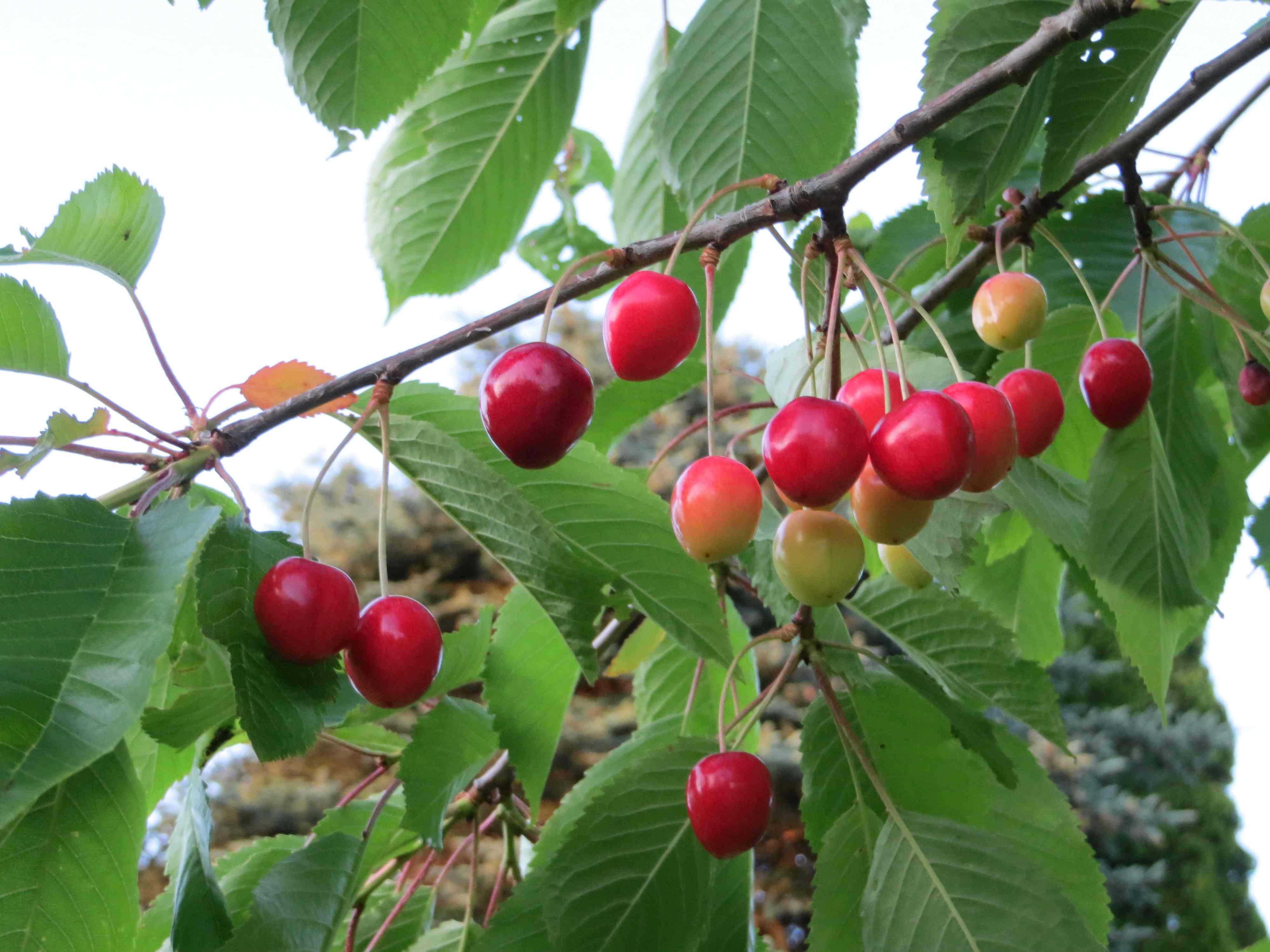
Do not name VPS catalog just media, it is already used on many Docker preinstalled images. Note that the url path is e.g. this: https://techreier.com/media/cherries.jpg or in subdirectories of /media. If the link does not work, the volume mapping when deploying to Docker is probably wrong.
The environment variable DB_PASSWORD is used and need to be entered when starting the docker Container. The MariaDB database on my VPS is managed by Cyberpanel, and stored directly on the VPS file system and not in a Docker container. Using MariaDB Docker images are usually stupid, involves deletion risk and is not required. I have tested it locally, but even locally I have installed MariaDB in the normal way, not on a Docker Image.
Make sure that Facets are set correctly in project settings in Intellij
For development include Spring boot devtools and set
thymeleaf.cache: false
thymeleaf.enabled: true
in config.
This enables quick rebuild in Intellij with minimal rebuilding. User the Build Project button in Intellij. The browser preview in Intellij does not show Thymeleaf tags, so not very useful. So you have to start the server.
Set to UTF-8 in the entire project.
Default for property files in Intellij is ISO-8859-1, so must be changed in settings, editor, fil encodings. If not Norwegian characters øæå ØÆÅ are displayed incorrectly. The problem seems to be there only in property files and not in .html files. Note that code repos like Bitbucket og GitHub expects UTF-8 when changing code directly in the repos. For old Java 8 this is a problem since it was the last version where property files is based on the ISO format.
h2 console: If present available at "root url"/h2-console
Embedded Tomcat settings have to be controlled in yaml
app.server.tomcat....
E.g. used to allow for some special characters in URL that bypassed Spring Boot error handling
Refer to Spring boot tomcat settings
The parameter spring.jpa.open-in-view is set to false. This prevents views to directly fetch data from database Refer to below articles why this is recommended:
Spring Boot session in view
Session in view antipattern
The disadvantage is that we must take care before rendering views and always fetch data eagerly using fetchgraphs. Another way to fix this is never to include domain model objects directly in view, but use a separate view model. This seems the best way to do it for input forms. But to separate the Sping MVC model from database model requires copying of data and a more complex application.
The advantage of lazily fetching data can be discussed since frequent roundtrips to server must be done due to the server based http rendering in Thymeleaf. Every time the user requests or changes something needs a GET or POST to the server. You loose control of when and how a database call is handled using Hibernate.
I use the simple HTML textarea tag and plain Markdown editing and backend parsing with Flexmark.
What I did with textarea was simply to add a button row including a view button,
to view the result with backend rendering below the text box.
In addition, I added a Markdown Help button to reveal syntax tips.
I have found this approach to be highly responsive and sufficient.
There is no need for including a more advanced Markdown editor, it adds complexity.
Markdown is much more efficient than RTF when it comes to processing and storing.
This readme file is Markdown simply stored as a file on the file system and included in the project. I have more files like this and other Markdown based text stored in Mariadb. I selected MariaDB, PostgreSql is too large and not well suited for small web applications. I simply store it with VARCHAR for small summary fields and TEXT for the content field in MariaDB. My documents will not exceed 1Gb limit, forget it.
Always use this way to include images to be able to view in Intellij, locally and Docker:

This should only be used for some permanent and compressed images. The better way to be used for blogs in general, is mapping of the image path to a Docker volume. This stores the images on a dedicated file path on the server, and can be synchronized with e.g. Jottacloud. This is described above in the Docker volumes section.
Files that need to be included, else WARN message can be seen in logs.
favicon.ico file is created e.g. by https://www.favicon.cc/
robots.txt file for web crawlers is created
Caching of CSS and JavaScript is tricky, mobile phones is worst, since cache very seldom is cleared.
This is done by versioning the .css and JavaScript files when required. Refer to the bottom line in app with display of current version.
I have fetched public energy data from SSB (Statistics Norway) and Nowwegian Petroluem for one of the permanent blogs with simple energy related calculations. This is simply done by importing and Excel sheet and reading with Apache Poi at the start of the server. I have plans for using public APIs (Rest interfaces), but this is easier for fetching annual historic energy data.